
Category: Adobe Illustrator
-
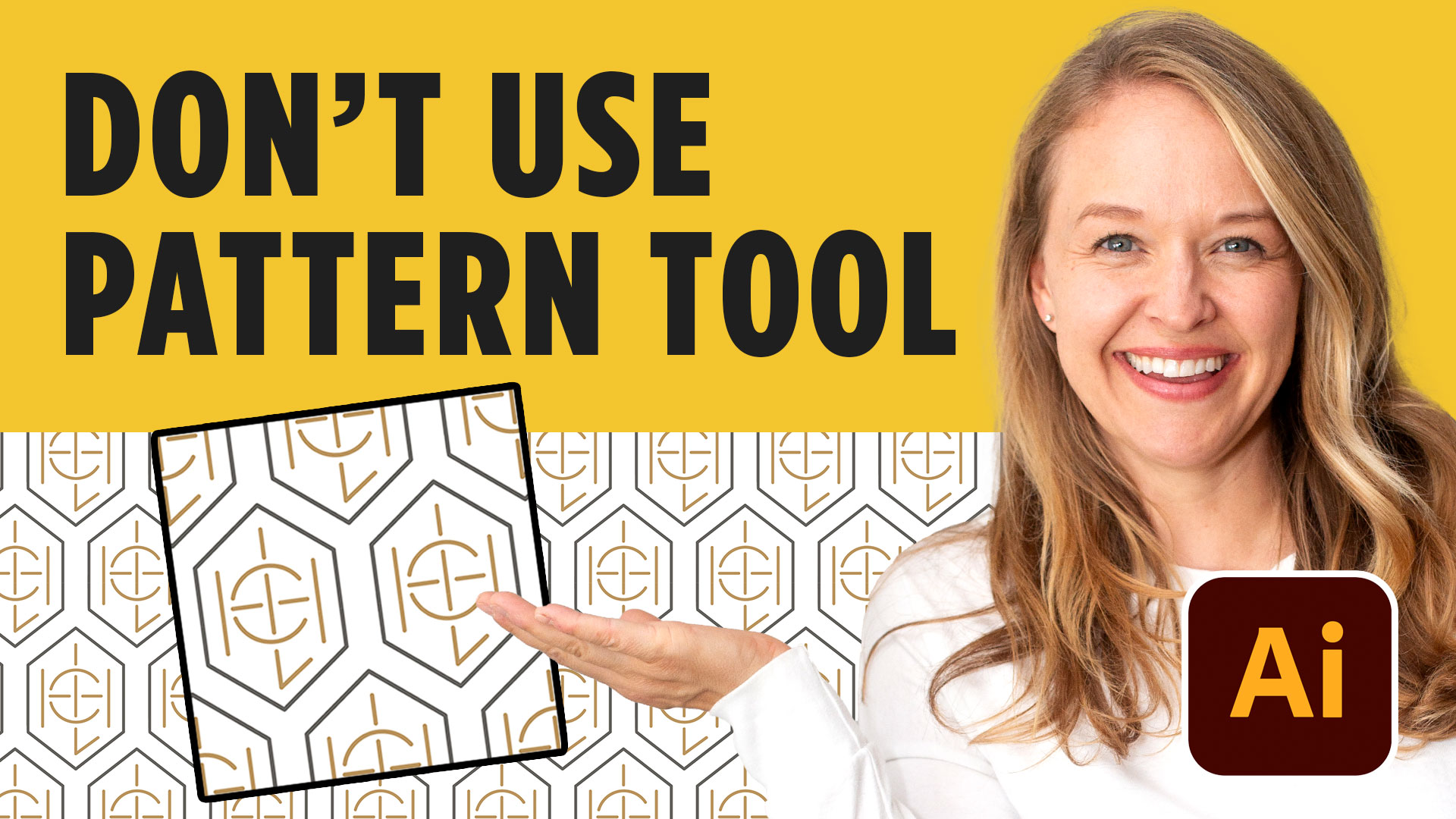
How to Create a Seamless Brand Pattern in Adobe Illustrator
Meta description: Learn how to create a seamless brand pattern in Adobe Illustrator, turn it into a reusable pattern swatch, export it, and apply it to realistic brand mockups. A logo is only one piece of a brand identity. One of my favorite ways to make a brand feel more complete is to take an…
-
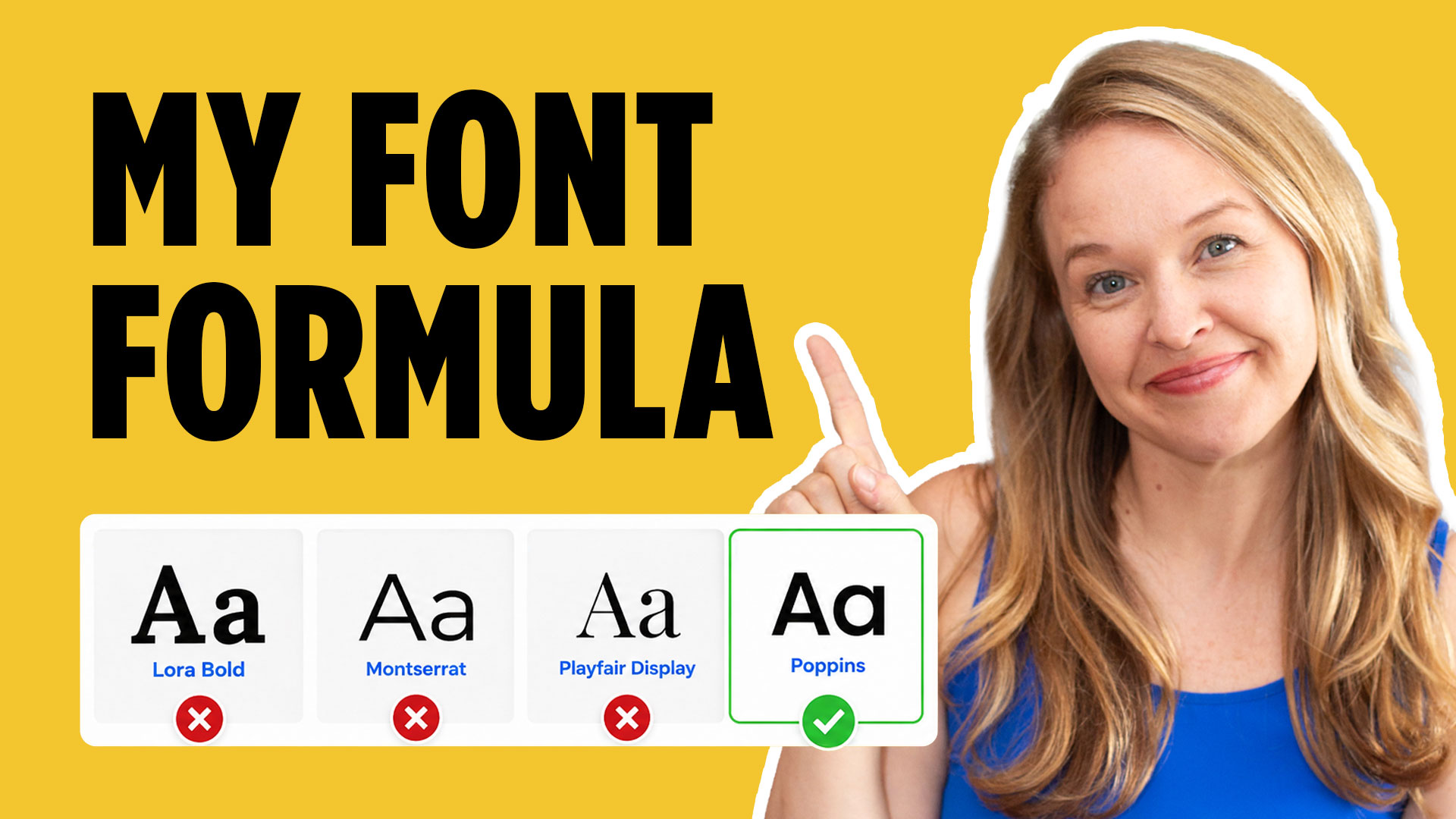
How to Select Fonts for Logo and Branding Projects
Selecting fonts is one of the most important skills you can develop as a graphic designer. Typography does more than make words readable—it helps communicate the personality, mood, history, and values of a brand. If you want more help building complete brand identities, grab my free Logo Design Workbook to follow along with your own…
-

How to Become More Creative as a Graphic Designer: 3 Exercises to Build Your Design Eye
If you’ve ever wondered how to become more creative as a graphic designer, the answer probably isn’t another software tutorial or another hour scrolling through Pinterest. Creativity comes from learning to recognize why good design works—and practicing those decisions yourself. If you want a structured way to strengthen your process, you can also grab my…
-
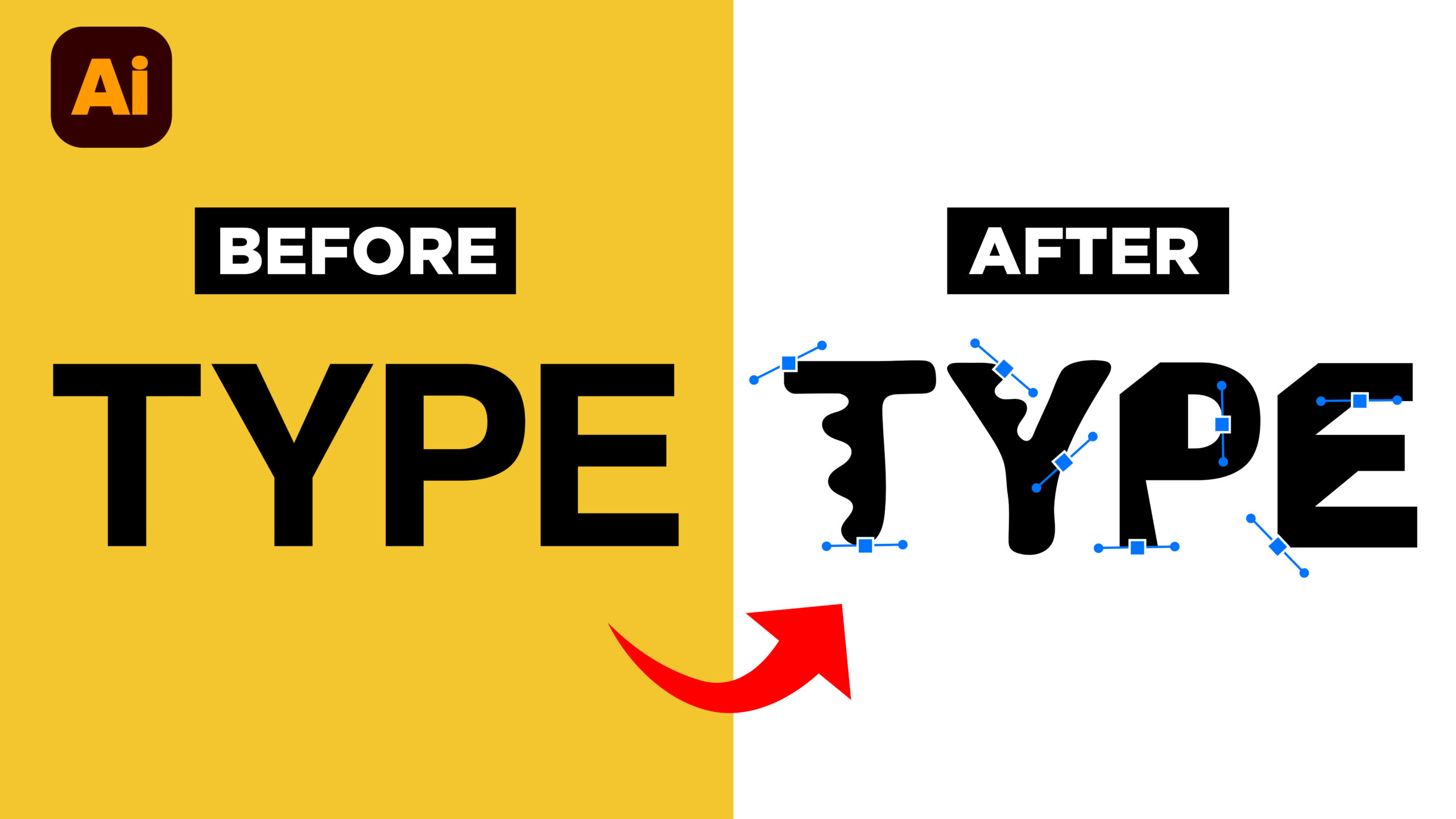
How to Make Any Font Feel More Custom in Adobe Illustrator
One of the easiest ways to make your design work feel more original is to customize the typography instead of using a font exactly as it comes. If you want to follow along and don’t already have Illustrator, you can start a 7-day free Adobe Creative Cloud trial here: https://adobe.prf.hn/click/camref:1101lKN6K. In this tutorial, I’m showing…
-

How to Create a Badge Logo With Text Around a Circle in Adobe Illustrator
If you’ve ever admired a classic badge logo with curved text wrapping around a circle and thought, “I have no idea how to make that” — this tutorial is for you. Learning how to create a badge logo in Adobe Illustrator is one of those skills that makes your design work look instantly more polished…
-
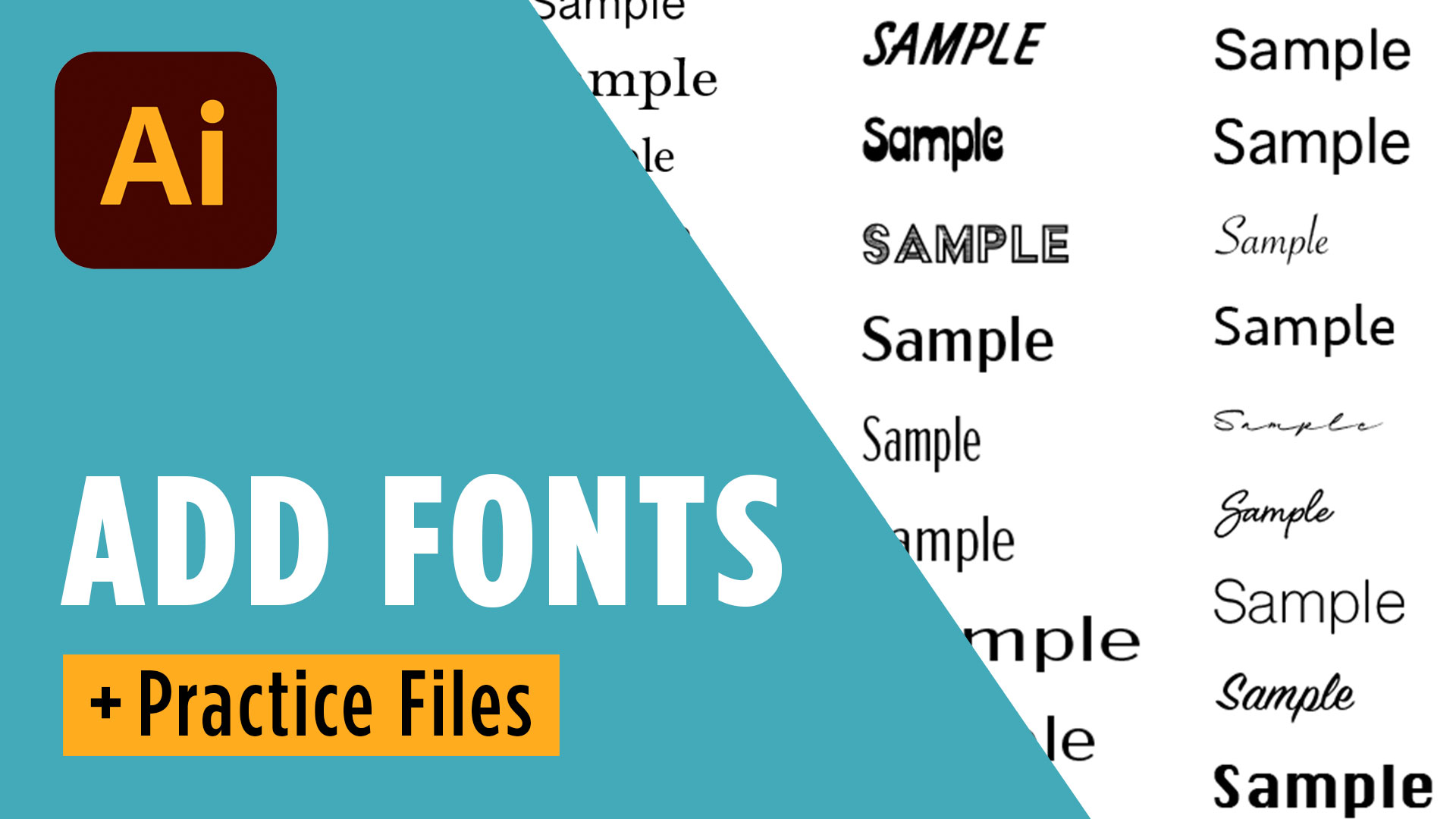
How to Add Fonts in Adobe Illustrator
If you’re just getting started with graphic design, learning how to add fonts in Adobe Illustrator is one of the easiest ways to make your designs look more professional. Before you dive in, be sure to download the free practice files and, if you don’t already have Illustrator, start your free Adobe Creative Cloud trial…
-
How to Save and Export Files in Adobe Illustrator (Without the Confusion)
If you’ve ever stared at Illustrator’s export options wondering, Should I use a JPEG, PNG, PDF, or SVG?, you’re definitely not alone. One of the biggest hurdles for beginners isn’t creating the design—it’s knowing which file type to use after you’re finished. In this guide, I’ll walk you through exactly how to save and export…
-
Adobe Illustrator Type Tool Tutorial: Learn Typography Like a Graphic Designer
If you’re just getting started with Adobe Illustrator, typography can feel overwhelming. The good news is that learning a few core tools can dramatically improve your designs. Before you begin, be sure to download the free practice files that accompany this lesson so you can follow along step by step while building your skills. 📌…
-
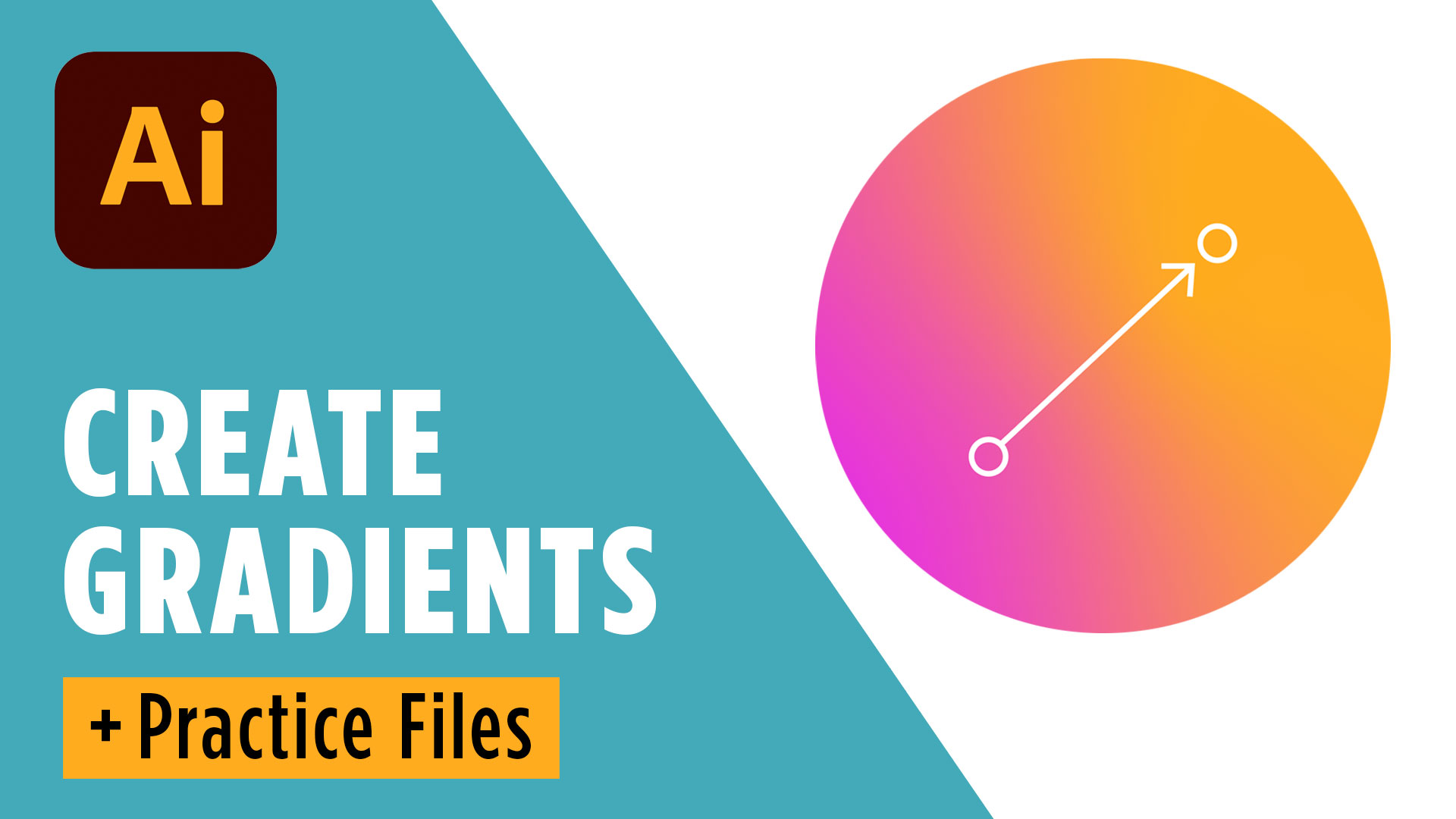
How to Use Gradients in Adobe Illustrator
If you’re just getting started with Adobe Illustrator, learning How to Use Gradients in Adobe Illustrator is one of the fastest ways to make your designs look more polished and professional. Before you dive in, you can start a free 7-day Adobe Creative Cloud trial to follow along with this tutorial using the latest version…
-
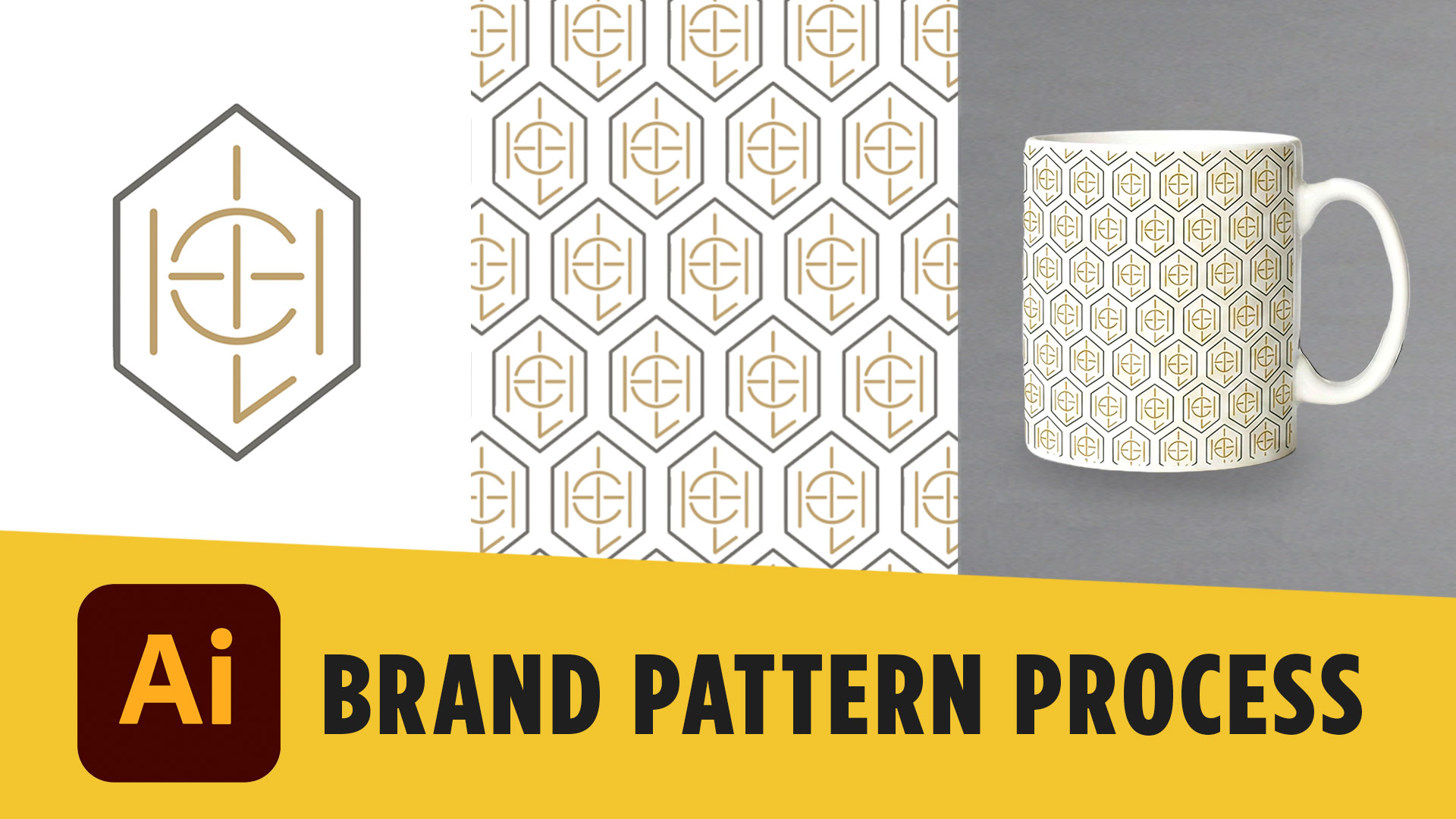
How to Create Brand Patterns in Adobe Illustrator + Mockups
A logo is one part of a brand identity, but a strong visual system goes much further. One of my favorite ways to expand a logo into a complete identity is by turning elements from the logo into a custom brand pattern. If you’re building your own brand identity, you can also grab my free…