
Author: admin
-

How to Group & Ungroup Elements in Canva: A Step-by-Step Tutorial for Beginners
If you’re a graphic designer, entrepreneur, or small business owner using Canva, you know how important it is to stay organized when creating stunning designs. Whether you’re working on a social media graphic, flyer, or logo, grouping elements together can save you time and streamline your workflow. In this easy-to-follow tutorial, we’ll show you how…
-

How to Rotate a Video on Mac Using QuickTime: A Step-by-Step Guide
If you’re looking to rotate a video on a Mac for social media or other platforms, QuickTime Player is a powerful tool that makes this task easy. Whether you’re working with screen recordings or footage shot horizontally, rotating videos for Instagram, TikTok, or any social media platform can help your content look polished and professional.…
-
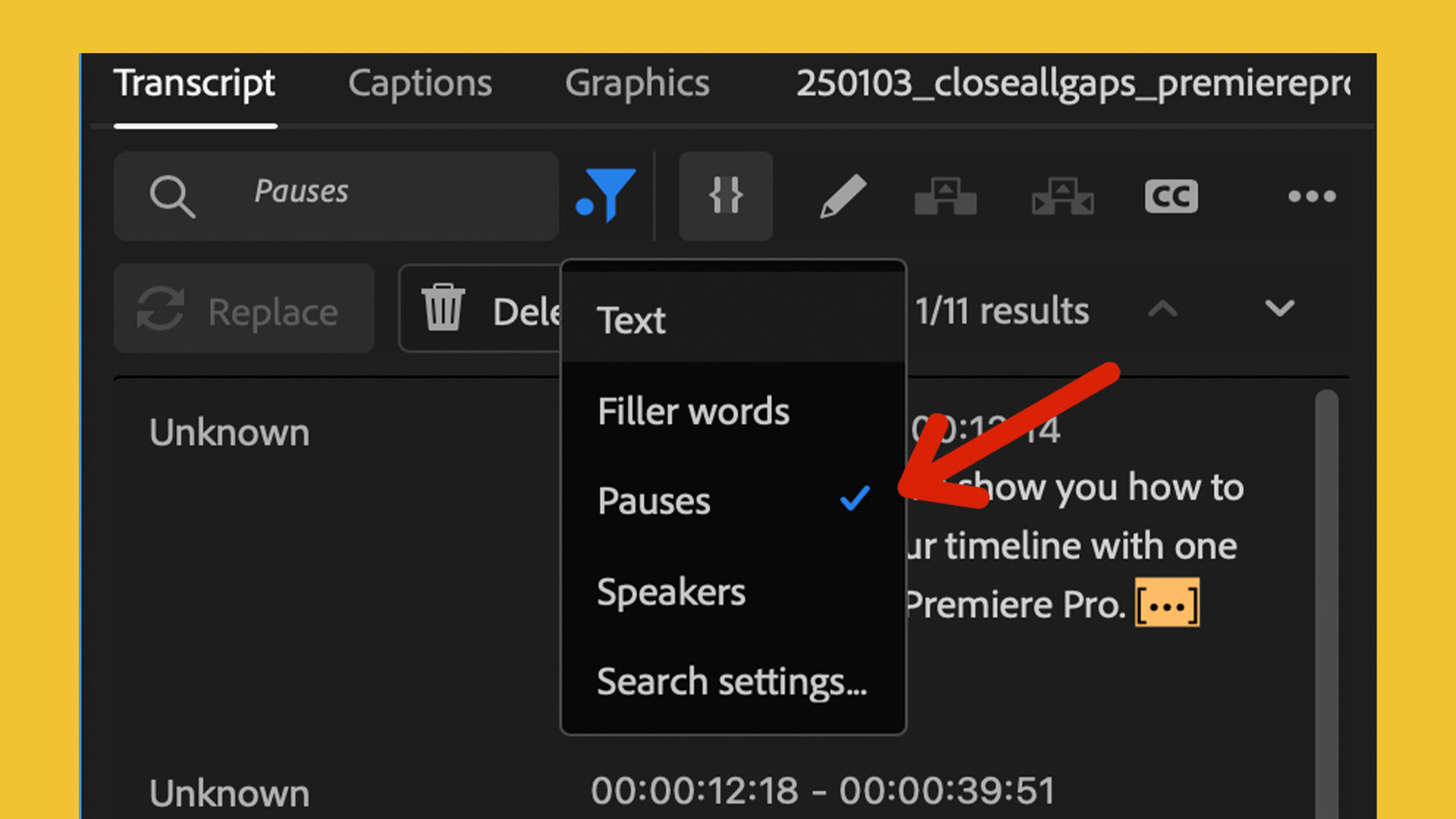
How to Remove Pauses from Your Videos in Premiere Pro: A Step-by-Step Guide
When editing videos, especially for fast-paced content, removing pauses can make a huge difference in the final product. Pauses, silences, or gaps in your footage can disrupt the flow of your video, making it feel disjointed or overly long. Fortunately, Adobe Premiere Pro offers an efficient way to automatically detect and remove these pauses, saving…
-
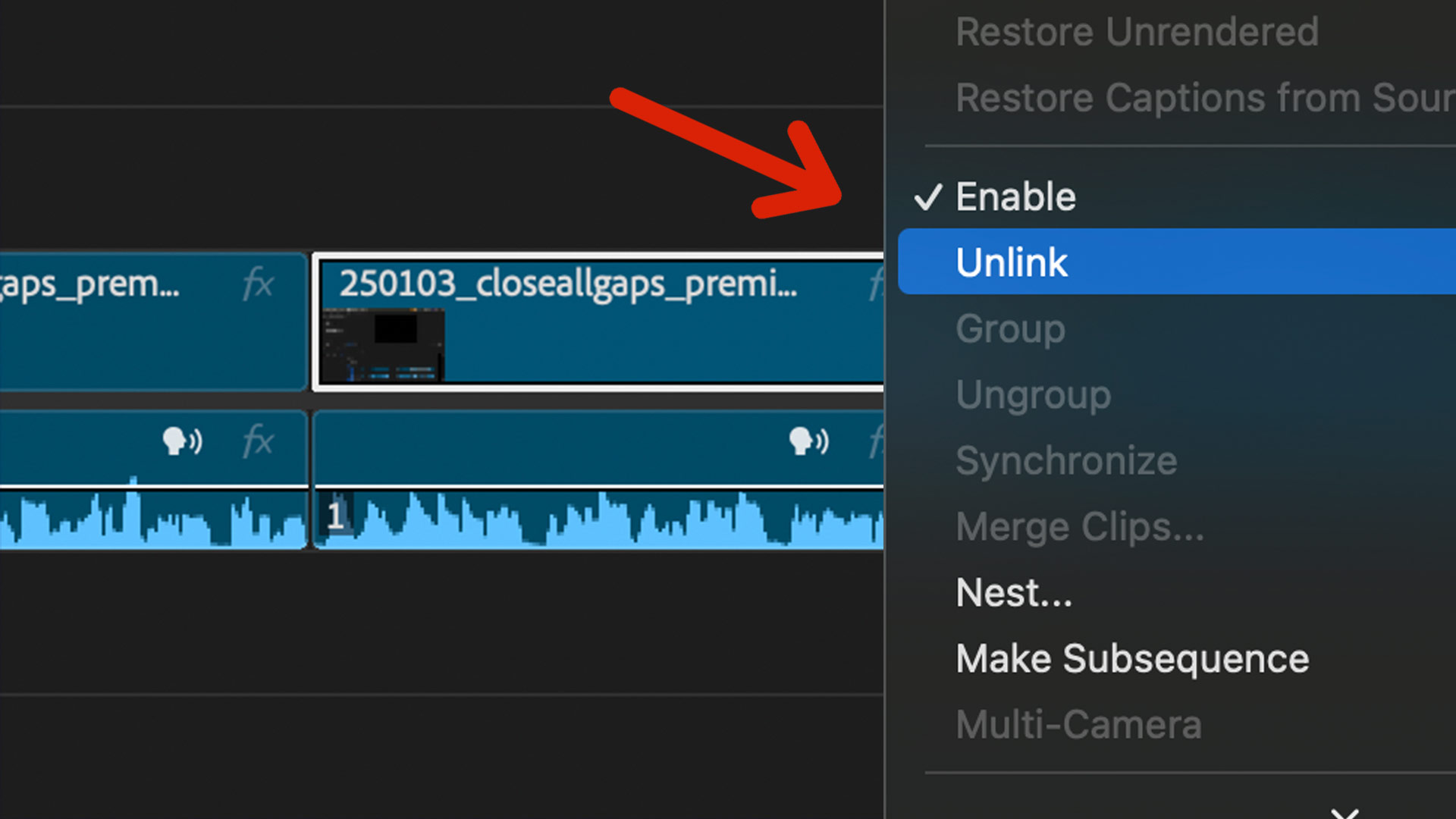
How to Separate Audio from Video in Adobe Premiere Pro: A Simple Guide
There are times when you’ll want to separate the audio from the video track in your project. Adobe Premiere Pro makes this process easy and quick, helping you gain full control over your media. In this tutorial, we’ll show you how to unlink and separate audio from video in Premiere Pro, giving you more flexibility…
-
How to Add Lorem Ipsum Placeholder Text in Adobe InDesign
If you’re working on a design in Adobe InDesign and need some placeholder text to fill a text box, you can quickly add Lorem Ipsum text. This is a great way to visualize how your design will look with real text without needing actual content. Here’s a simple step-by-step guide to adding placeholder text in…
-
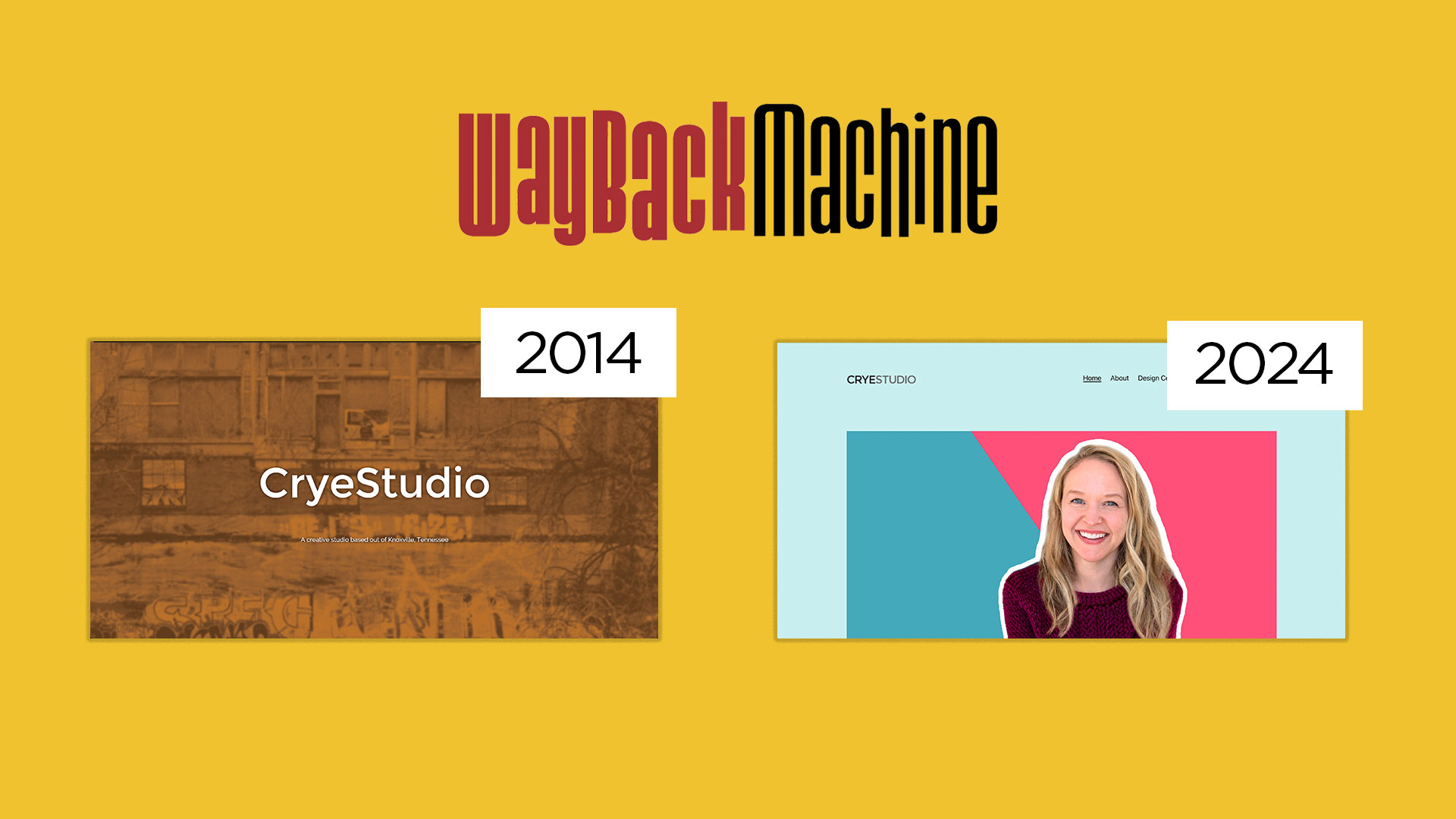
How to Recover Old Versions of Websites Using the Wayback Machine
Have you ever wished you could revisit an old version of your website or recover content you thought was lost forever? The Wayback Machine is an incredible tool that allows you to do just that! In this tutorial, I’ll show you how to browse and recover text and image content from past versions of websites.…
-
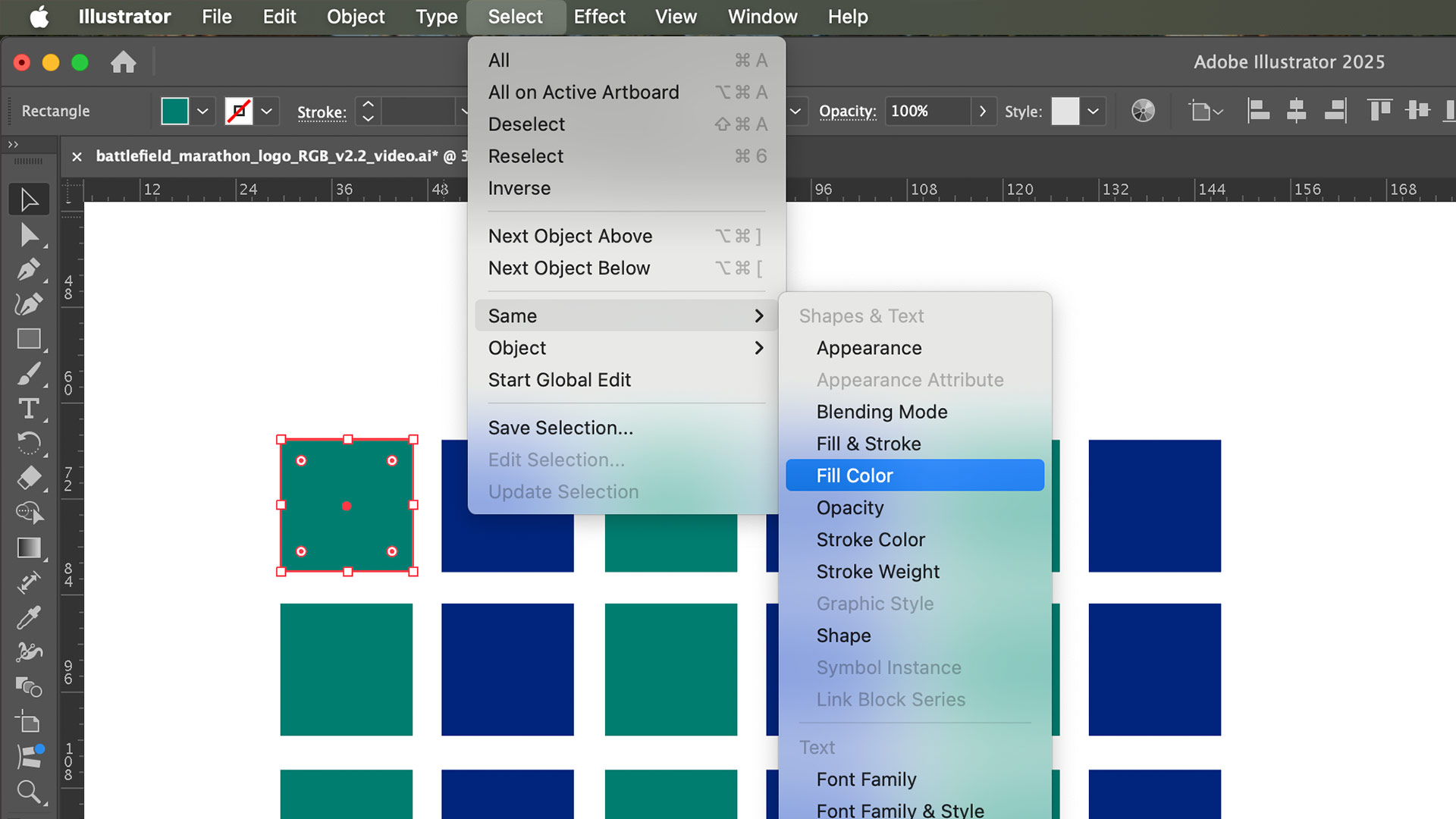
How to Select the Same Color in Adobe Illustrator: A Step-by-Step Guide
Adobe Illustrator offers a variety of tools to make your design process smoother and more efficient. One of these is the ability to select objects with the same color throughout your project. Whether you’re working on a logo, an illustration, or a complex design, this feature is a lifesaver for quickly making changes across multiple…
-
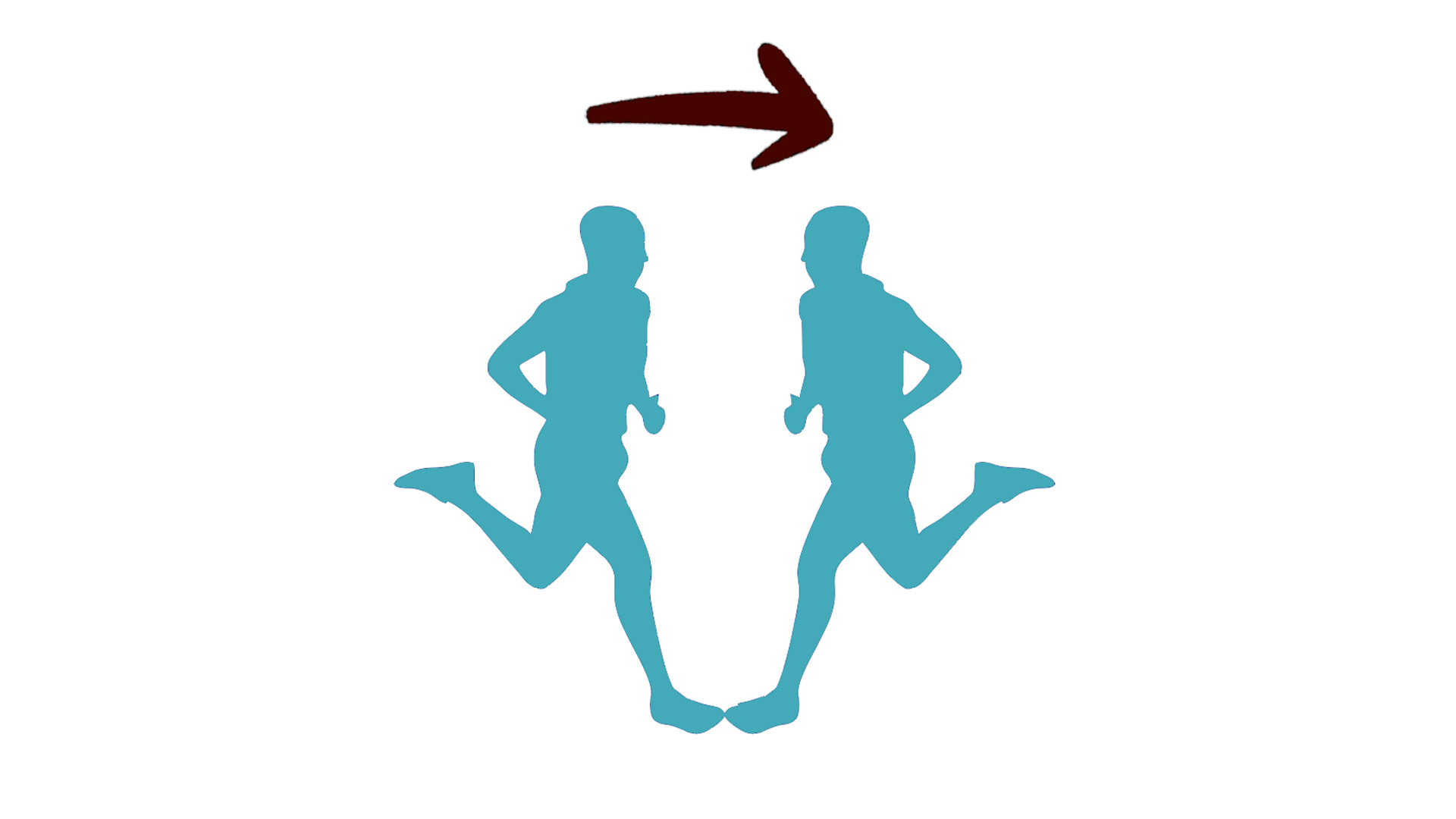
How to Flip an Object in Adobe Illustrator: A Step-by-Step Guide
Flipping an object in Adobe Illustrator is a fundamental skill every designer should know. Whether you’re creating symmetrical designs, mirroring shapes, or simply experimenting with layouts, flipping objects vertically or horizontally can save time and add precision to your work. In this guide, we’ll walk you through various methods to flip objects in Illustrator like…
-
How to Add Lorem Ipsum Text in Figma
Placeholder text, also known as Lorem Ipsum or Greek text, is an essential tool for creating mockups and wireframes in design. In this tutorial, we’ll walk you through the steps to quickly add Lorem Ipsum text in Figma. Whether you’re a beginner or a seasoned designer, this guide will help streamline your workflow. Step 1:…
-
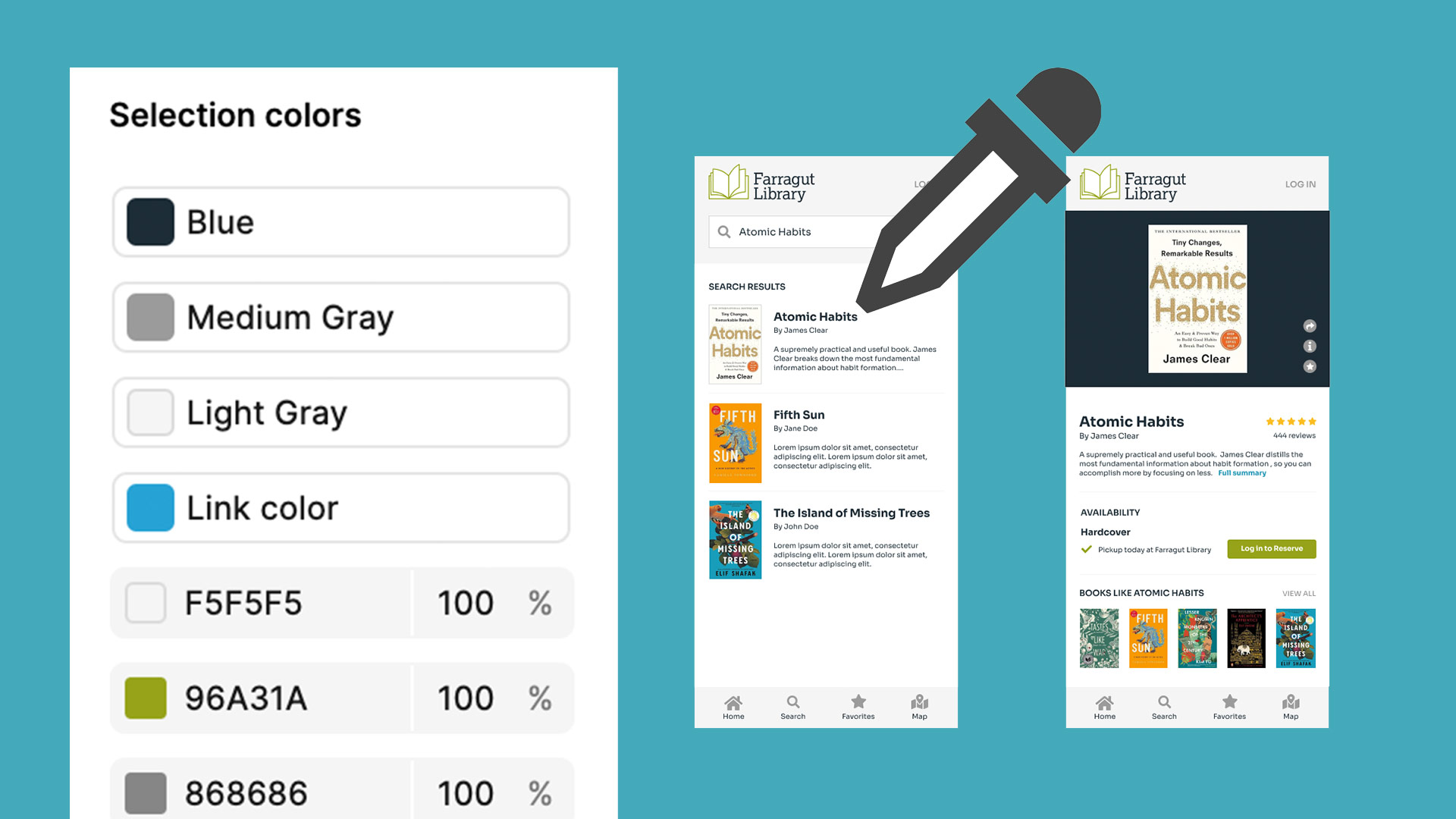
How to Select and Change the Same Colors in Figma
Figma offers a variety of tools to streamline your design workflow, and one of the most useful is the ability to quickly select and change the same colors across your project. Whether you’re refining your app layouts or updating your UI design, this feature can save you valuable time. In this blog post, I’ll walk…